Command demos
See public search, category filters, listing details and Watch events in the terminal.
These recordings use public listings. They do not sign in or change account data. The Watch recording writes only to its isolated local demo database.
Search
Search defaults to JSON. Pass --format pretty to view a table in the terminal, or keep JSON for pipelines.
wallapop search silla --lat 40.4 --lng -3.7 --max-price 200 --limit 8 --format pretty
Discover and apply category filters
List the filters for a category, then pass the supported keys to --filter.
wallapop search filters --category 100 --format pretty
wallapop search Avensis --category 100 --filter brand=Toyota --filter max_km=120000 --max-price 10000 --lat 40.4 --lng -3.7 --limit 2 --format pretty
Inspect a listing
Use the listing hash to read its public details. You can also pass a listing URL.
wallapop item show pj941g7rxv6e --format pretty
Track changes with a Watch
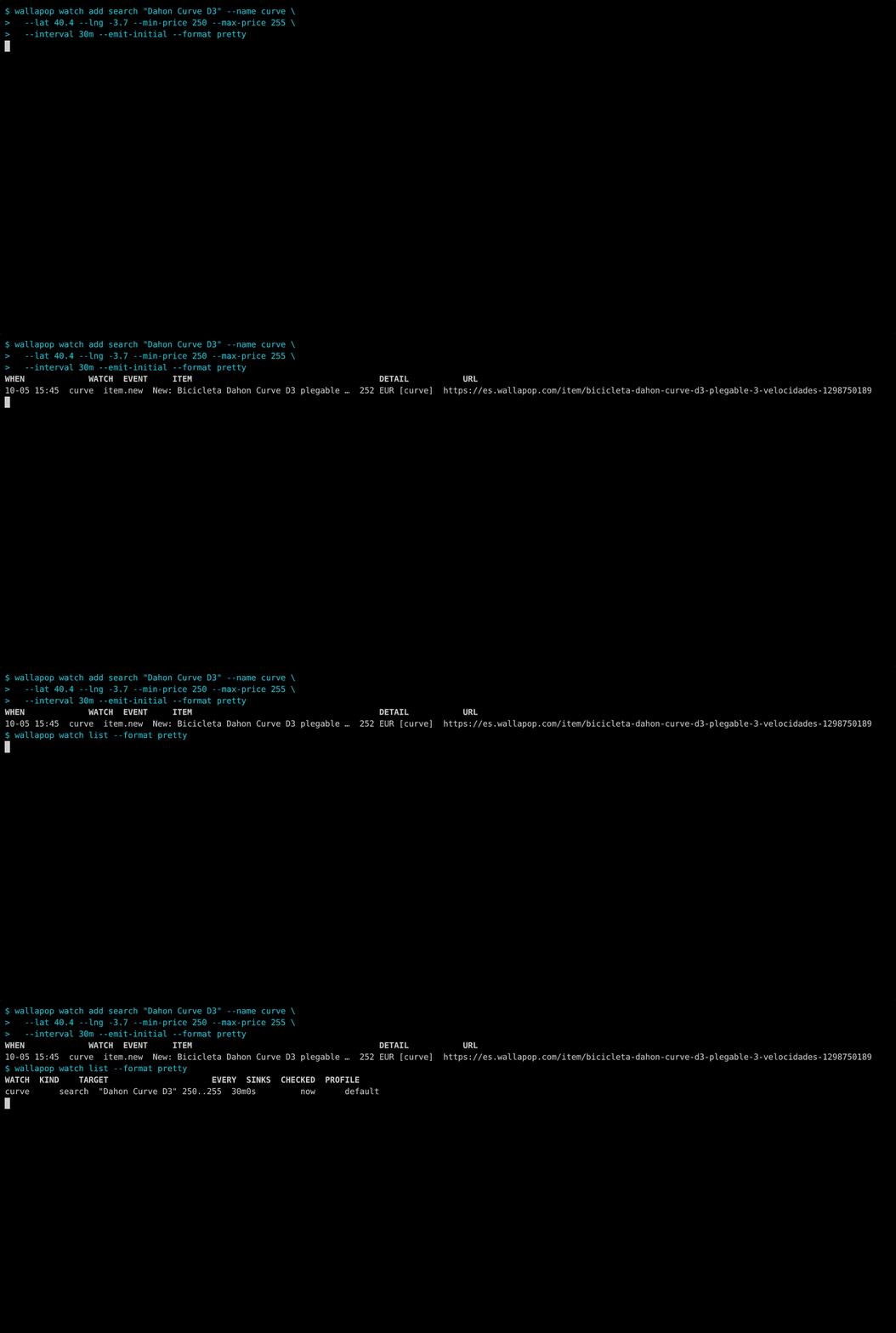
Create a Watch to compare future search results. --emit-initial reports the current results as item.new events.
wallapop watch add search "Dahon Curve D3" --name curve --lat 40.4 --lng -3.7 --min-price 250 --max-price 255 --interval 30m --emit-initial --format pretty