Authentication
Export a browser cookie once, then stay logged in for about a month.
Wallapop has no password API worth using. Google, Apple, Facebook and password accounts all end up at the same place, a session cookie in your browser. The CLI imports that cookie and then keeps it alive on its own.
Why a cookie
An email and password login was tried and rejected; see ADR 0001 in the repository. Cookie import is the single supported path because it works identically for every account type.
Export the cookie
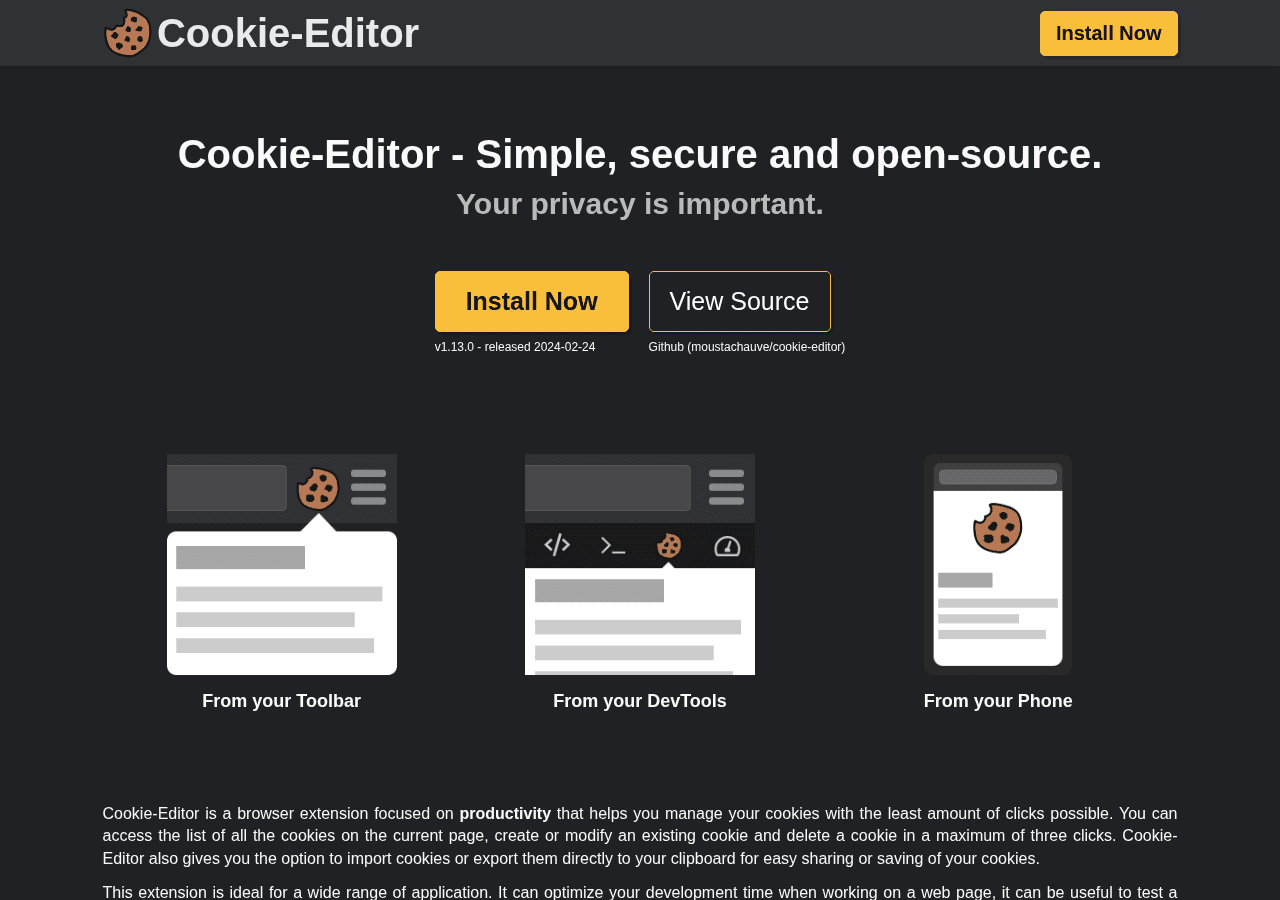
Install a cookie exporter
Any extension that exports Netscape-format cookies works. Cookie-Editor and "Get cookies.txt" are the common ones.
Log in to Wallapop in your browser
Go to es.wallapop.com and sign in.
Export cookies for the site
Export for wallapop.com and save the file. You need __Secure-next-auth.session-token; the
CLI also picks up device_id if it is there.
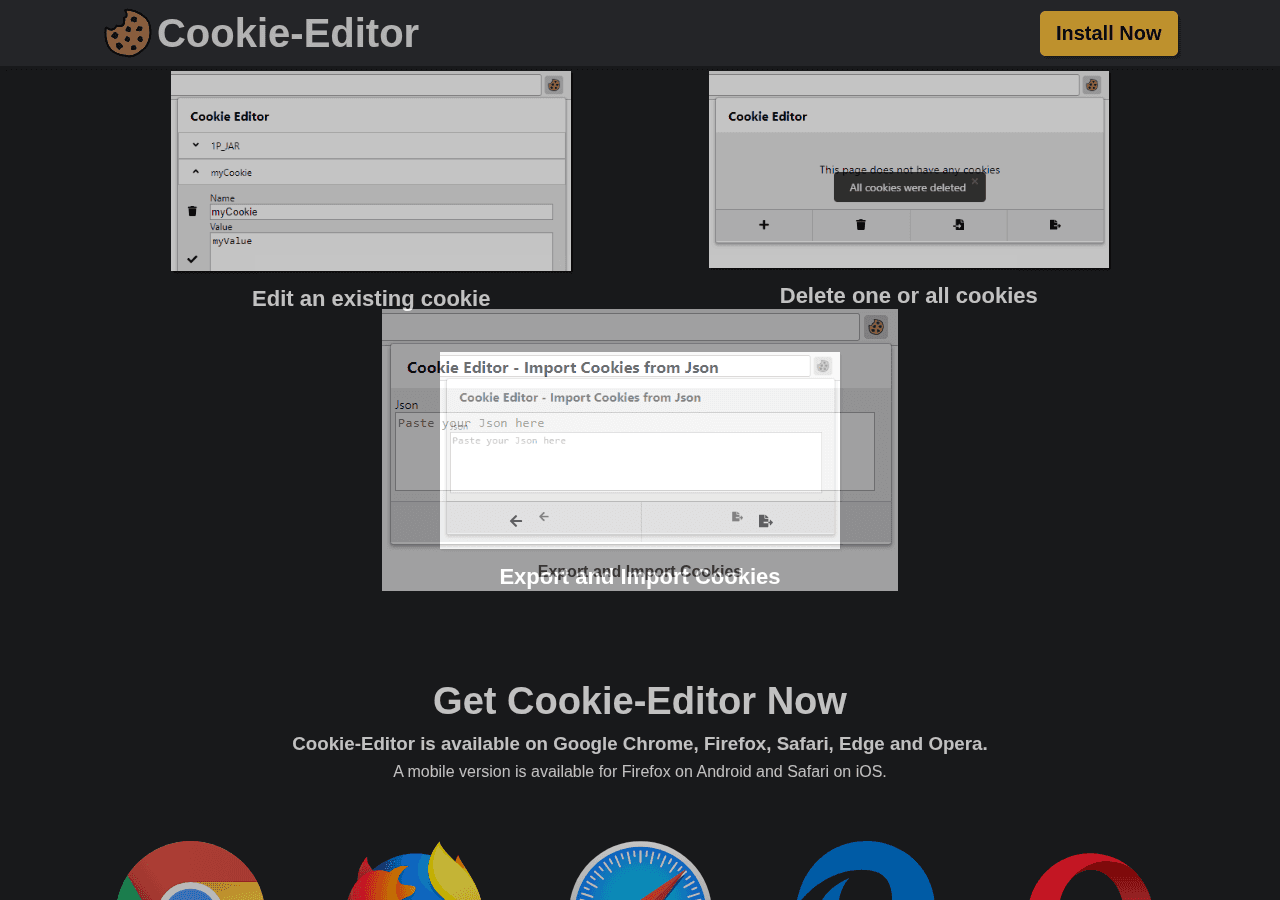
Cookie-Editor exports JSON by default
The CLI reads Netscape format, pasted name=value pairs, or a bare cookie value. If your
exporter offers a format choice, pick Netscape or "cookies.txt".
Import it
wallapop auth login --cookies ~/Downloads/cookies.txtOr run the interactive prompt and paste the cookie value when asked:
wallapop auth login--cookies-stdin reads until end-of-file; use it when piping an export into the command.
Login validates the session and tells you who you are, so a bad export fails at once rather than three commands later. It also saves your account's location as the default search location. Your first search already works.
Staying logged in
Wallapop rotates the session cookie as you use it. The CLI re-persists each rotation, so a single login lasts roughly a month of regular use rather than a day.
wallapop auth status          # is the session still good
wallapop auth refresh         # exit 3 if the session is no longer valid, for scripts
Profiles
Each account gets its own session, location and watches.
wallapop auth login --cookies alt.txt --profile alt
wallapop profile list
wallapop profile use alt      # change the default
wallapop search "bici" --profile alt
In CI
Pass the cookie by environment variable and no credentials file is needed:
export WALLAPOP_SESSION_TOKEN="..."
wallapop search "bici" --format jsonl
Where things live
The CLI keeps credentials.toml separate from config.toml and writes it at mode 0600, so sharing
your config never leaks your session.
Log out
wallapop auth logout --profile alt   # keeps config and watches
wallapop profile remove alt          # removes everything for that account